 ScheduleFC
Every team you coach.
One calendar.
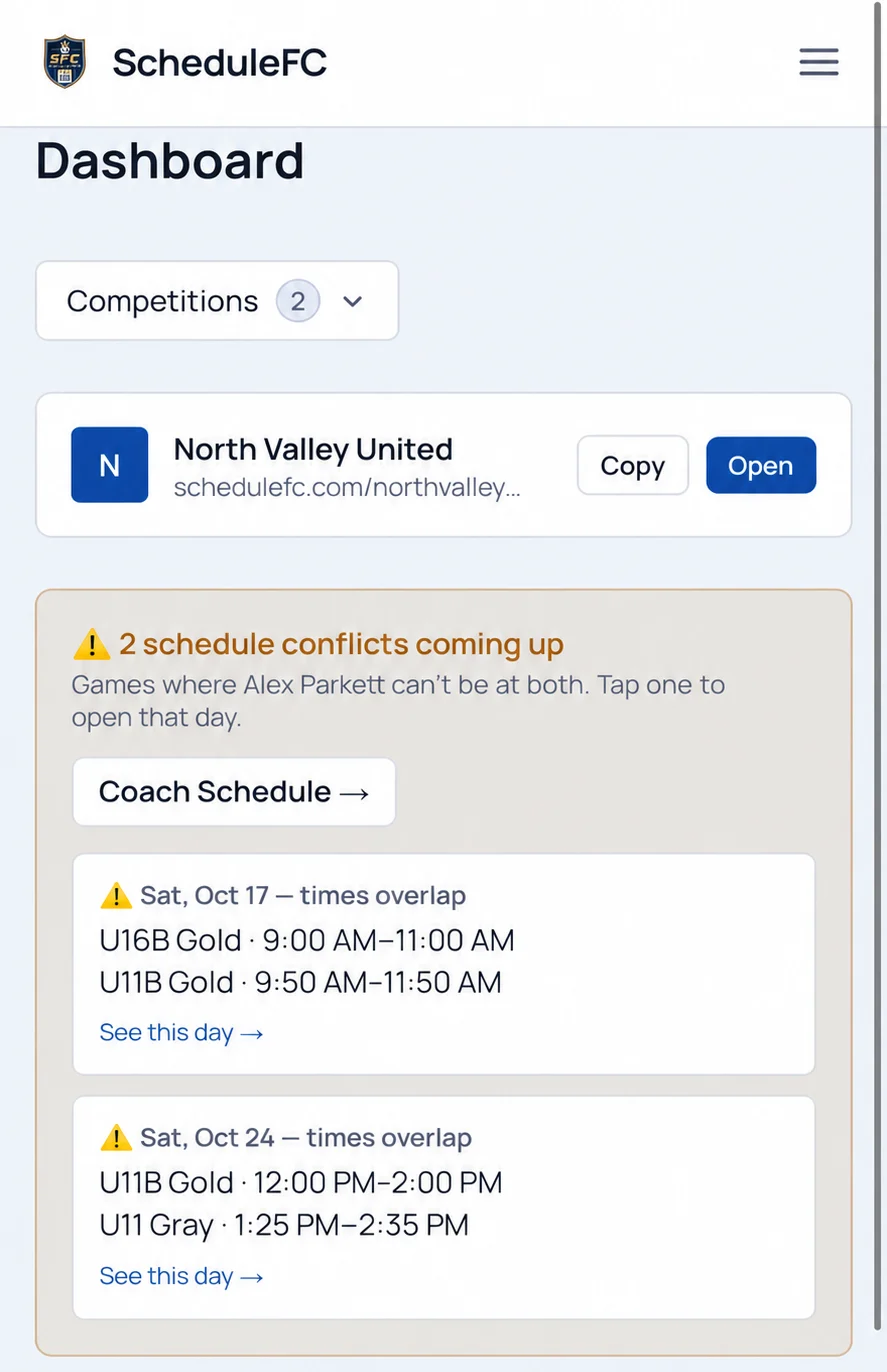
Your teams’ games and practices show together on one calendar, and games that overlap are flagged before the weekend.
Team manager setting it up? See the team manager page →
Coaches are free. Your teams keep the apps they already use.
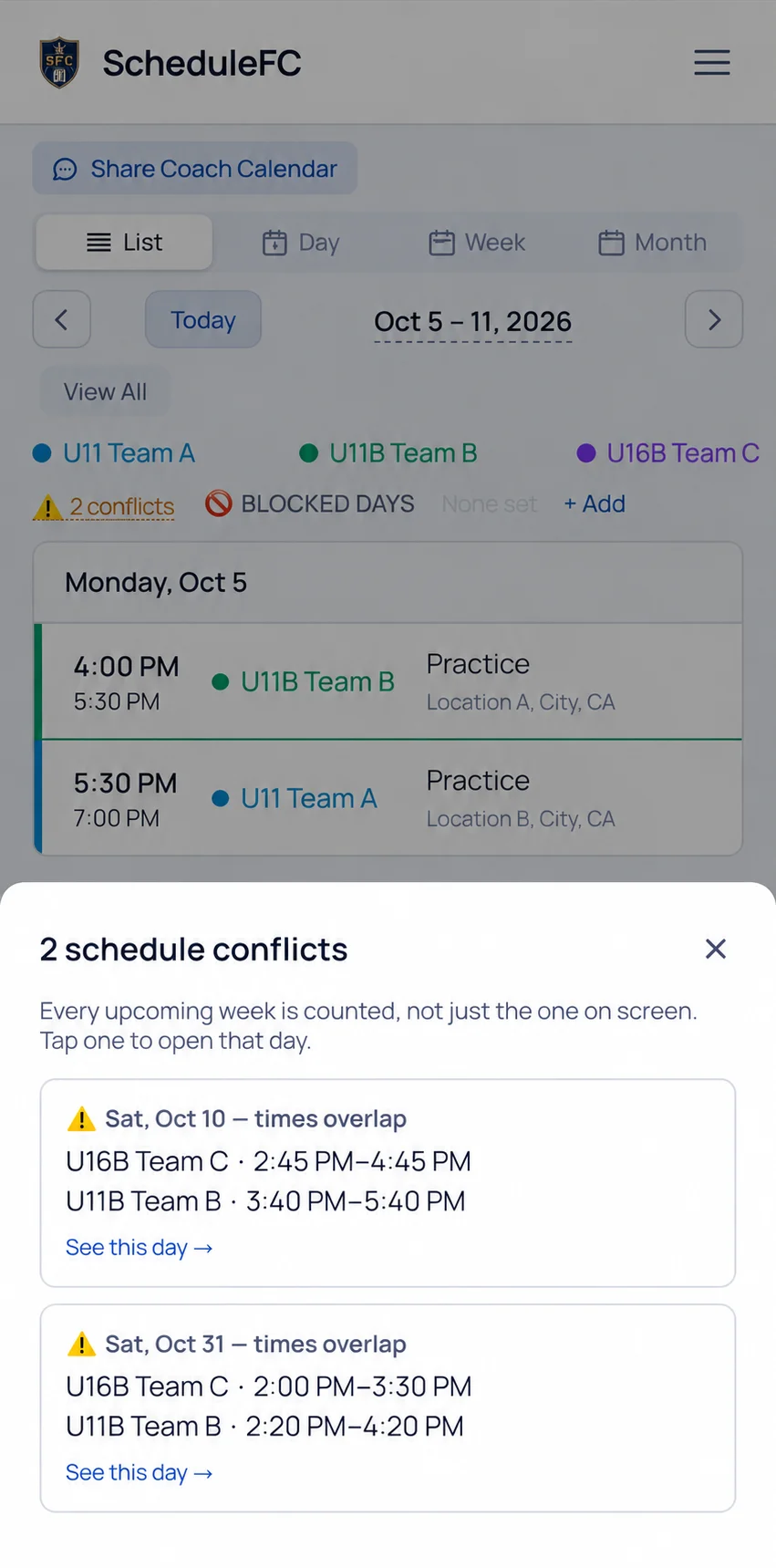
Every team on one calendar.
Each team has its own color. You see the whole weekend in one place and stop checking each team’s app in turn.
Clashes flagged before the weekend.
You see when two of your games overlap, before the weekend arrives.
Your other teams’ managers add their own teams.
Send them one invite link. Their team shows on your calendar, and either of you can move a game on it.
Set up in three steps.
You can do all of it yourself. Your club does not need to sign up.
- 1
Create your free coach account
Enter your name, email, a password and the club your teams play for.
- 2
Add the teams you look after yourself
Paste the team’s schedule link from its team app. The games and practices come in for you to check.
- 3
Send one link to your other teams’ managers
Does a parent manage another team you coach? Send them your invite link. They add their team, and it shows up on your calendar. Once they have, you both see each other’s games.
Questions coaches ask
Does it cost a coach anything?
Do my teams have to switch apps?
What if my teams are at different clubs?
Can I mark days I am unavailable?
Put every team you coach on one calendar.
Create your coach account, add your first team, and see your weekend.