 ScheduleFC
All your sports links.
Finally organized.
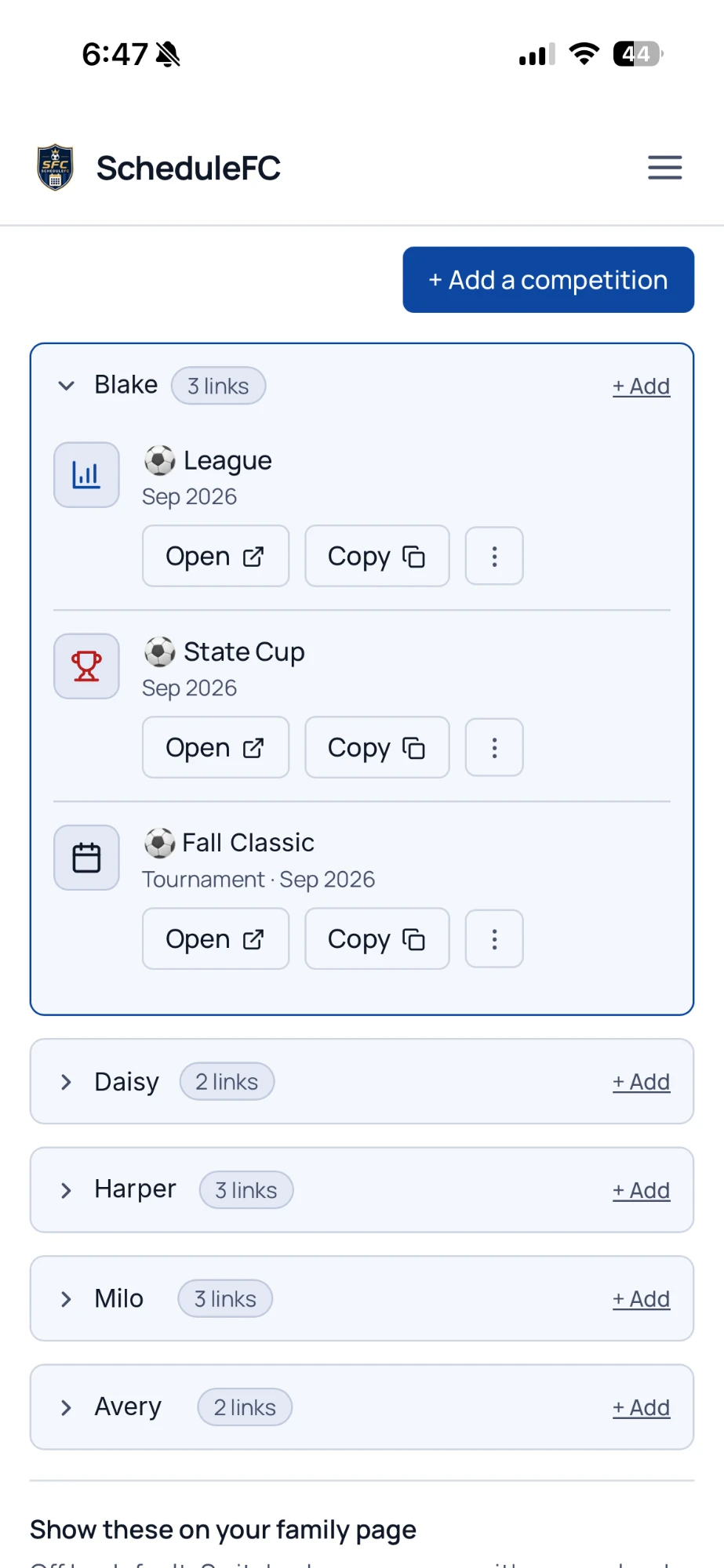
Your kid’s league standings are on one site. The State Cup bracket is on another. The tournament schedule is on a third, and you found it once, in a text, in March. Link Locker keeps them together, sorted by kid.
- Everything in one place
- Organized by kid and season
- Easy to share with another parent
3 free. No card to start.
You go hunting for the same pages every week.
Every competition lives somewhere different.
The league, the cup, the showcase — different organisers, different sites, no two the same.
The link came once, in a team chat.
Somebody posted it in March. It’s October, and you’re scrolling back through six months of messages to find it again.
Bookmarks don’t survive a season.
By the second kid and the third sport, the folder is unreadable.
Last season takes even longer.
Nobody keeps a record of where a bracket lived once it’s over, so you start the search from nothing.
Keep up with everything. From league tables to tournament brackets.
Link Locker is the easiest way to save and organize every important link in your kids' sports. No more searching through emails, group chats or bookmarks.
Standings, brackets and tournament links
- Whatever page the organiser publishes — a table, a bracket, a schedule
- League, State Cup, tournament or anything else
- Opens in one tap, right where you left it
Organized by kid and season
- Each kid's links grouped under their name
- Old seasons fold away under Previous instead of being deleted
- A two-kid, three-sport family still reads at a glance
Easy sharing
- Copy any link to text it to the parent who asked
- Your locker itself stays private
- Put any link on your family calendar page when you want to
Save. Organize. Open. It’s that easy.
Three fields and it’s saved. Nothing is fetched — a link is kept exactly as the organiser published it.
- 1
Paste the link
Whatever page the organiser publishes — a standings table, a bracket, a schedule.
- 2
Say whose it is
Name the kid, the sport and the kind of competition. Everything groups under them.
- 3
Open or copy it when you need it
Find it in one tap, open it, or copy it to share. Archive it when the season’s done — the year they made the semi-final is worth keeping.
Keep links private — or add them to your family page.
Your locker is private to your account by default. If you also have a family calendar, you can switch the locker on as a tab of your family page so grandparents and carpools find the bracket without asking.
Keep private
Only you can see your locker. Share one link at a time with Copy.
Show on your family page
Everyone with your family calendar link gets a Competitions tab — only if you switch it on.
3 free, then $5/year.
Save up to 3 competitions without paying anything — enough for one kid's season, and enough to know whether you'll use it. Activating lifts the limit for $5/year. It's separate from the family calendar — you can have either one without the other.
Questions
What exactly does it save?
Does it pull in the standings or the bracket itself?
What happens to last season?
Can I send one to another parent?
Is there a page other people can see?
How many can I save?
What if I don't want a family calendar?
Never hunt for a link again.
Put Link Locker between you and the search bar. It takes a minute.